Two New Databases – AtoZ Databases & JSTOR

Accessing & Using AtoZ Databases

The A to Z Databases logo. Below it is text detailing that A to Z databases provides "Free Email Marketing, Job Search, Mailing Lists & Sales Leads, People Look-up, and Business Profiles".


From https://app.atozdatabases.com/aboutus: “AtoZdatabases is the premier reference and marketing database marketed to Library, Academic, and Government institutions throughout the U.S. This simple, user-friendly, web-based solution provides details on businesses and households within the U.S.” 

The Library provides access to AtoZ Databases onsite as well as from home. Users on a Library computer or on the Library network will automatically have access. Users on offsite devices will have to sign in with their Morristown & Morris Township Library barcode and PIN. When accessing AtoZ databases using our library, you should see the Library’s logo under the AtoZ Databases toolbar. 
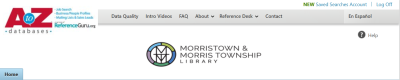
A screenshot of the A to Z Databases homepage featuring the Morristown & Morris Township Library logo.

All of AtoZ Databases’ search functions are featured on the Home page. Each square is dedicated to a different search, with tabs to toggle between search options. 
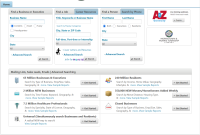
AtoZ Databases includes Intro Videos on each of its different functions for more information.

Accessing & Using JSTOR
From about.jstor.org: “JSTOR partners with libraries, museums, and publishers to preserve and bring to life scholarly materials. We use advanced technology to provide sustainable, affordable access to a vast collection of primary and secondary sources from around the world.”

The Library provides access to all JSTOR Archive Collections and JSTOR Primary Sources Collections.

JSTOR is available onsite at the Morristown & Morris Township Library. When accessing jstor.org, you should see a banner saying “Access provided by Morristown & Morris Township Library” at the top of the page as long as you are connected to the Library’s network.

"Access provided by Morristown & Morris Township Library" banner.

From the homepage, you can search all of JSTOR for your research subject. 
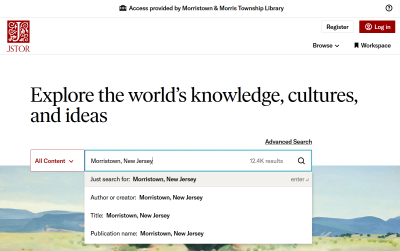
 

The JSTOR homepage with a preview of a search for Morristown, New Jersey.

On the results page, you can use the “Refine Results” options to limit by parameters including Content Type, Date and Subject. Next to each result, you can Download the content, Save it to your JSTOR account, or Cite the article in MLA, Chicago or APA format. (Only the Save option requires a JSTOR account.)
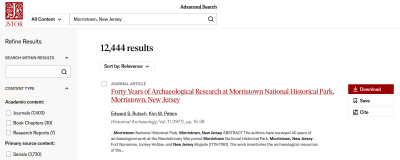
JSTOR's results page for a search for the keywords "Morristown, New Jersey". There are options to "Refine Results" in a sidebar on the left. The results of the search are displayed with Download, Save and Cite options.

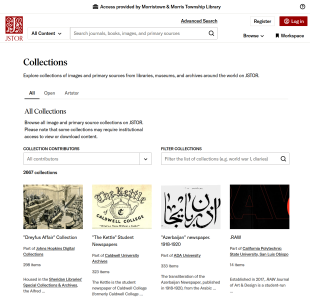
Or, you can browse by collection from JSTOR’s Collection List

A preview of JSTOR's Collection List webpage, which lists collections individually.

JSTOR includes featured LibGuides for further information on using its search functions, including a How to Use JSTOR guide

Reference staff is offering tech help Tuesday-Thursday

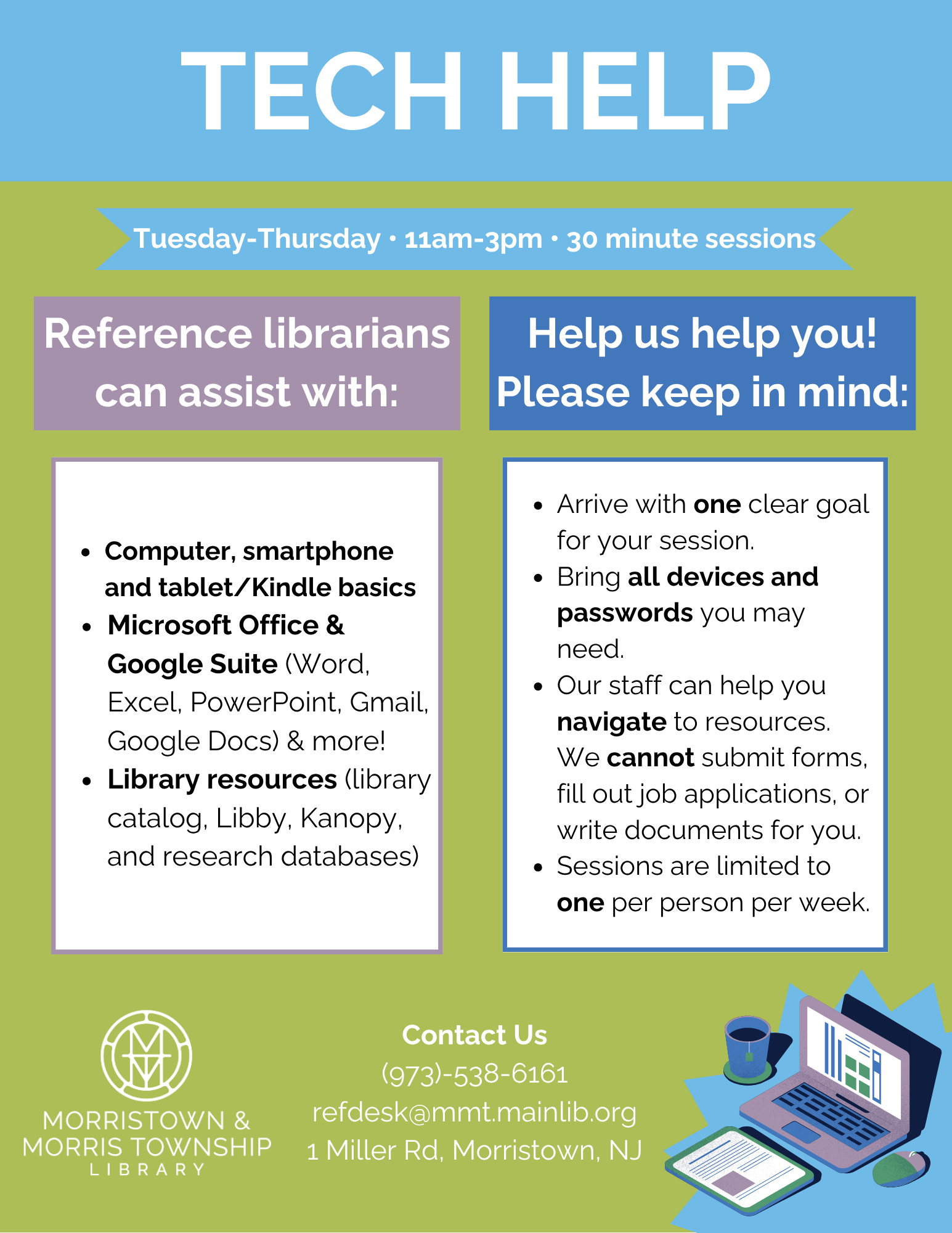
Reference staff is offering tech help Tuesday-Thursday  11am-3pm for 30 minute sessions.

Reference staff will be able to help with Computer, smartphone and tablet/Kindle basics, Microsoft Office & Google Suite (Word, Excel, PowerPoint, Gmail, Google Docs) & more!
They will also help with library resources (library catalog, Libby, Kanopy, and research databases).

Please keep in mind when making an appointment:

  • Arrive with one clear goal for your session
  • Bring all devices and passwords you may need
  • Our staff can help you navigate to resources
  • We cannot submit forms, fill out job applications, or write documents for you
  • Sessions are limited to one per person per week


To make an appointment contact the library via phone (973)-538-6161 or email refdesk@mmt.mainlib.org.

Discounted Tickets for The Shakespeare Theatre of New Jersey

Get 15% off tickets to see The Importance of Being Earnest and other shows at The Shakespeare Theatre of New Jersey.

Cardholders at Main member libraries will receive 15% off tickets to the theater’s 2025 season.
You can redeem the discount by using code MAINLIB15 when buying tickets. Please bring your library card (physically or digitally in the Main app) with you to the theater.
Click here for more information.

Acceso en línea al Star-Ledger

A partir del 2 de febrero de 2025, el periódico The Star-Ledger dejará de publicarse en papel y va a ser un periódico exclusivamente en línea. Ofrecemos acceso a la edición digital del Star-Ledger desde cualquier lugar a través de NewsBank.

Haga clic en el botón para comenzar:


Cuando acceda al Star-Ledger desde su casa, se le pedirá que ingrese el número de su tarjeta de biblioteca.

Se abrirá la página de la Colección Star-Ledger. (También puede encontrar la Colección Star-Ledger en nuestra página de Bases de datos de investigación.)

Una vez que esté en la página de la Colección Star-Ledger, haga clic en el enlace de la versión de imagen del periódico para abrir la edición digital completa.

Desde aquí, puedes ver los últimos 5 ediciónes recientes y también ver un archivo de ediciónes más antiguos.

Uno de nuestros bibliotecarios pueda ayudarle a obtener acceso.

The Star-Ledger Online Access

As of February 2nd, 2025, The Star-Ledger newspaper will cease print publication and become an online-only newspaper. We offer access to the digital edition of the Star-Ledger from any location and device through NewsBank. Here’s how!

Click the button below to get started:


This will open up the Star-Ledger Collection homepage. You can also find The Star-Ledger Collection on our Research Databases page.

When you are accessing the Star-Ledger from home, you’ll be prompted to enter your Library Card Number.

Once you are on the Star-Ledger Collection page, click on the link for Image version of the newspaper to pull up the complete digital edition.

From here, you can view the past 5 days of recent issues, and view an archive of older issues as well.

Feel free to ask a librarian for any further assistance.

Acceso Total al New York Times

¡La biblioteca de Morristown y Morris Township ahora ofrece acceso total al New York Times!

¿Qué quiere decir esto? Como usuario de la biblioteca pública, tiene acceso gratuito a todo lo que The New York Times tiene para ofrecer mientras estés conectado desde la biblioteca, incluidos noticias, juegos, cocina, Wirecutter y The Athletic.
Haga clic aquí para más información.

New York Times All Access

The Morristown & Morris Township Library now offers the New York Times All Access!

What does this mean? As a Public Library patron, you have free access to everything The New York Times has to offer while connected within your library, including News, Games, Cooking, Wirecutter and The Athletic!

Click here for more information.

MMT Library has a new logo!


Over the past few weeks, the Library has begun using our new logo which appears on our website and social media and will pop up soon in other locations.  The Board of Trustees, the Staff Marketing Committee and Aviate Creative LLC worked hard on creating a new emblem that relates to our historic building, but with modern flair.  It was modeled after the stained glass windows in the 1917 wing of the Library that face South Street.  While our new logo depicts the Library’s initials, MMT, the windows depict the initials of the famous American authors Henry Wadsworth Longfellow, James Russell Lowell, William Cullen Bryant, Oliver Wendell Holmes Sr., and John Greenleaf Whittier.  They were all pallbearers at the funeral of Nathaniel Parker Willis, the grandfather of Grinnell Willis who donated the funds to build the 1917 Library.  The windows honor Willis’s grandfather, a famous mid-19th century poet and essayist.  We’re excited to be honoring our past with this beautiful new contemporary design.

MMT ahora ofrece a los titulares de tarjetas de la biblioteca acceso a “The Shelf”

¿QUÉ ES THE SHELF?
The Shelf es un servicio de streaming que ofrece entretenimiento multimedia en español de uso
exclusivo para usuarios de bibliotecas públicas que tengan una tarjeta activa.

¿CÓMO EMPIEZO A DISFRUTAR DE THE SHELF?
Empieza a disfrutar The Shelf con tu tarjeta de la biblioteca. Solo tienes que seguir estos sencillos pasos:
En el apartado Login, haz clic en CREAR CUENTA NUEVA.
Introduce tu e-mail y crea una contraseña.
Elige tu país de la lista y seguidamente tu biblioteca.
Introduce el número de tu tarjeta de la biblioteca, tu apellido y nombre.
Por último, acepta los términos y condiciones.

Una vez comprobados los datos, recibirás un correo informándote de que tu cuenta ha sido activada. ¡Ya
puedes acceder a theshelf.tv ! Recuerda que tienes que elegir tu biblioteca cada vez que inicies sesión.

TIPOS DE CONTENIDO Y USO DE LOS TICKETS
Para reproducir los contenidos de las secciones CINE y ARTES ESCÉNICAS tendrás que emplear TICKETS.
Al registrarte, tu biblioteca te proporcionará, sin costo alguno, un número de tickets que podrás emplear
para reproducir los contenidos que lo requieran. Estos tickets se renovarán de forma automática con
una periodicidad que dependerá de tu biblioteca.
Podrás reproducir todos los demás contenidos de la plataforma de forma ilimitada.

MMT now offers library cardholders access to “The Shelf”

What is The Shelf?

The Shelf is a streaming service that provides Spanish-language multimedia entertainment exclusively to patrons with active library cards.

How to start enjoying The Shelf?

Click CREATE NEW ACCOUNT in the Login section.
Enter your e-mail address and create a password.
Choose your country from the drop-down menu and then your library.
Enter your library card number, your last name, and first name.
Last, agree with terms and conditions.
After your information is verified, you will receive an email stating that your account is active. You can
now access theshelf.tv
Remember that you must select your library each time you log in.
This service uses tickets, which are required to view the content. Each patron will receive several
free tickets that can be used to view the contents that require them. These tickets will be
renewed automatically at a frequency determined by your library.

Content types and tickets usage
TICKETS are required to view the MOVIES and PERFORMING ARTS contents. When you register, your
library will give you several free tickets that you can use to view the contents that require them. These
tickets will be renewed automatically at a frequency determined by your library.
You will have unlimited access to all of the other contents on the platform.